


Free AI Tools for Marketing That Actually Work in 2026
There are hundreds of AI marketing tools on the market right now. Most of them claim to be "free." Most of them aren't.
What you actually get is a 7-day trial, a watermarked output, or a free plan so limited it's barely usable. If you're a startup founder or indie hacker looking for free AI tools for marketing that you can genuinely use without pulling out a credit card, this guide is for you.
We picked 9 tools that meet three criteria:
- Truly free — not a trial that expires in a week
- Useful for startups — solves a real marketing problem for small teams
- Practically valuable — the free tier gives you enough to get real work done
Let's break them down by use case.
Content Creation
1. ChatGPT (OpenAI)
ChatGPT is the most versatile free AI tool for marketing content. You can use it to draft blog posts, write email sequences, brainstorm ad copy, generate social media captions, and create outlines for long-form content.
What the free plan includes:
- Access to GPT-5.2 (the latest model)
- Web browsing and file uploads
- Image generation with DALL-E
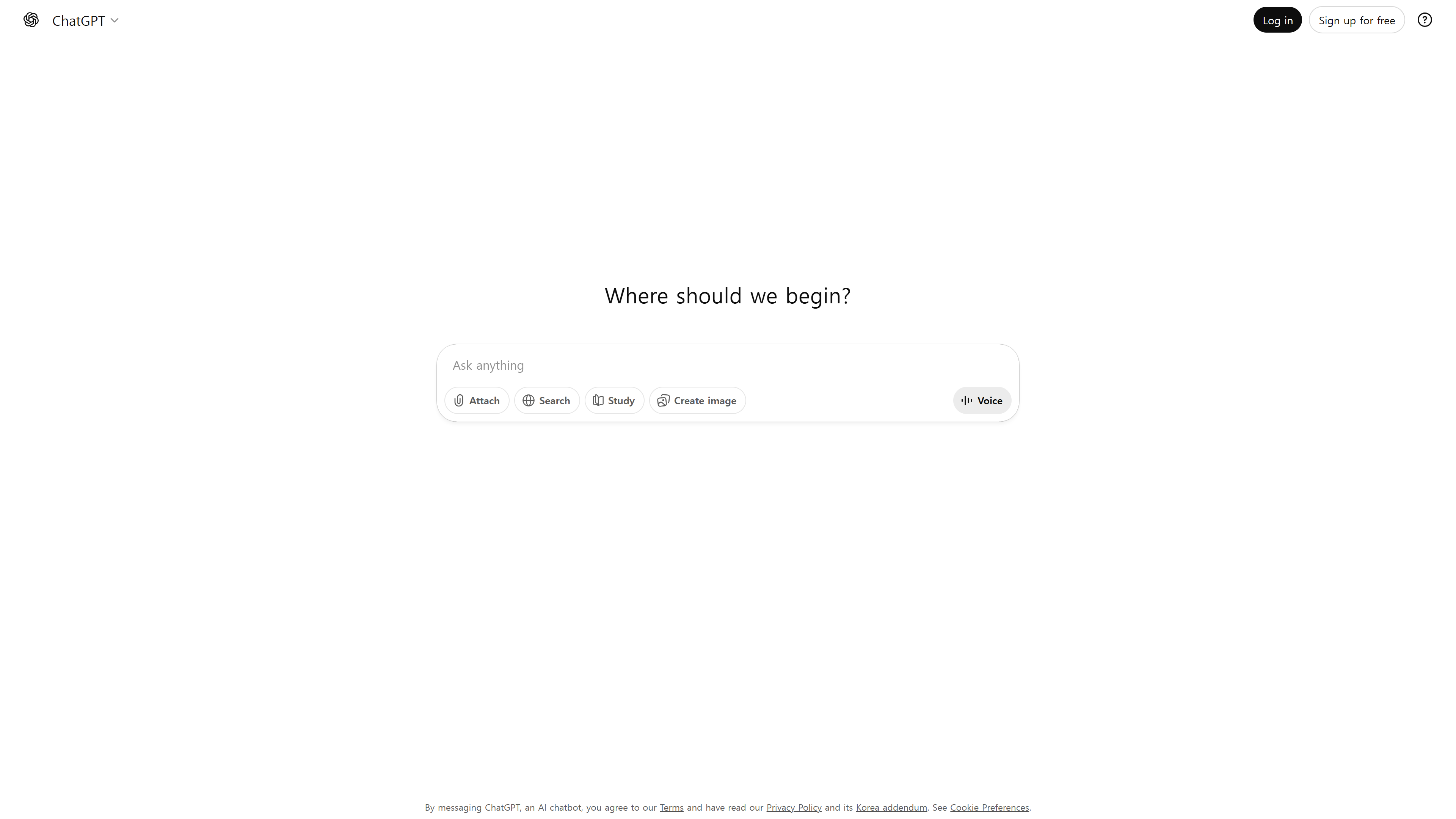 Image credit: OpenAI
Free plan limitations:
- 10 messages every 5 hours — this is the biggest constraint
- After hitting the limit, you're downgraded to a less capable mini model
- No access to the manual "Thinking" mode for deeper reasoning
Best for: Brainstorming, first drafts, email copy, and social media captions. Start your day by batching your most important prompts within the 10-message window.
Verdict: The free tier is genuinely useful for occasional marketing tasks. For heavy daily use, you'll hit the message cap quickly.
2. Canva
Canva isn't just a design tool anymore. Its AI features now include a text-to-image generator, AI-powered copy suggestions, background removal, and Magic Resize for adapting designs across platforms.
What the free plan includes:
- 250,000+ templates
- AI-powered design suggestions
- Basic photo editing and background remover
- Collaboration with up to 10 team members
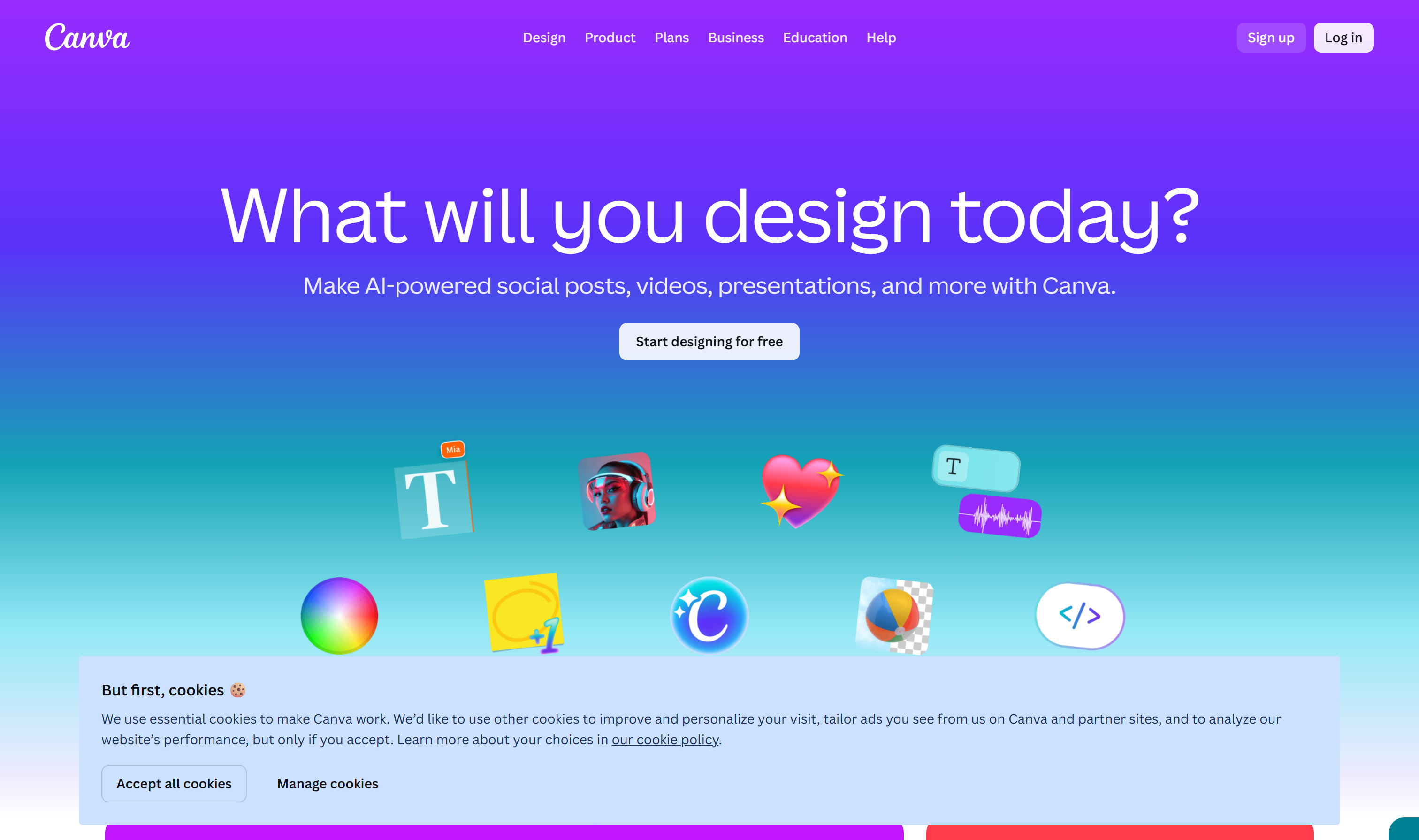 Image credit: Canva
Free plan limitations:
- Limited access to premium templates and stock photos
- AI image generation has a monthly credit cap
- Brand Kit features (custom fonts, colors) require Pro
Best for: Social media graphics, presentation decks, simple ad creatives, and blog post thumbnails.
Verdict: One of the most generous free plans in the marketing tool space. You can produce professional-looking marketing assets without spending a dollar.
3. HubSpot Campaign Assistant
HubSpot's Campaign Assistant is a lesser-known free tool that generates marketing copy for landing pages, emails, and ads (Google, Facebook, LinkedIn). You describe your campaign, target audience, and tone — and it produces ready-to-use copy.
What the free plan includes:
- Unlimited use with no subscription required
- Landing page copy generation
- Email marketing copy
- Ad copy for Google, Meta, and LinkedIn
 Image credit: HubSpot
Free plan limitations:
- Output quality varies — you'll need to edit for brand voice
- No integration with non-HubSpot tools
- Doesn't generate images or full campaign strategies
Best for: Quick first drafts of landing page copy and ad text when you need something to iterate on.
Verdict: Completely free with no usage caps. A solid starting point when you need marketing copy fast and don't want to wrestle with prompt engineering.
SEO and Research
4. Google Keyword Planner
Google Keyword Planner remains the most reliable free keyword research tool available. It pulls data directly from Google's own search index, which means the volume ranges and competition scores come from the source.
What the free plan includes:
- Keyword search volume ranges
- Competition level (low/medium/high)
- Keyword suggestions based on seed terms
- Cost-per-click estimates
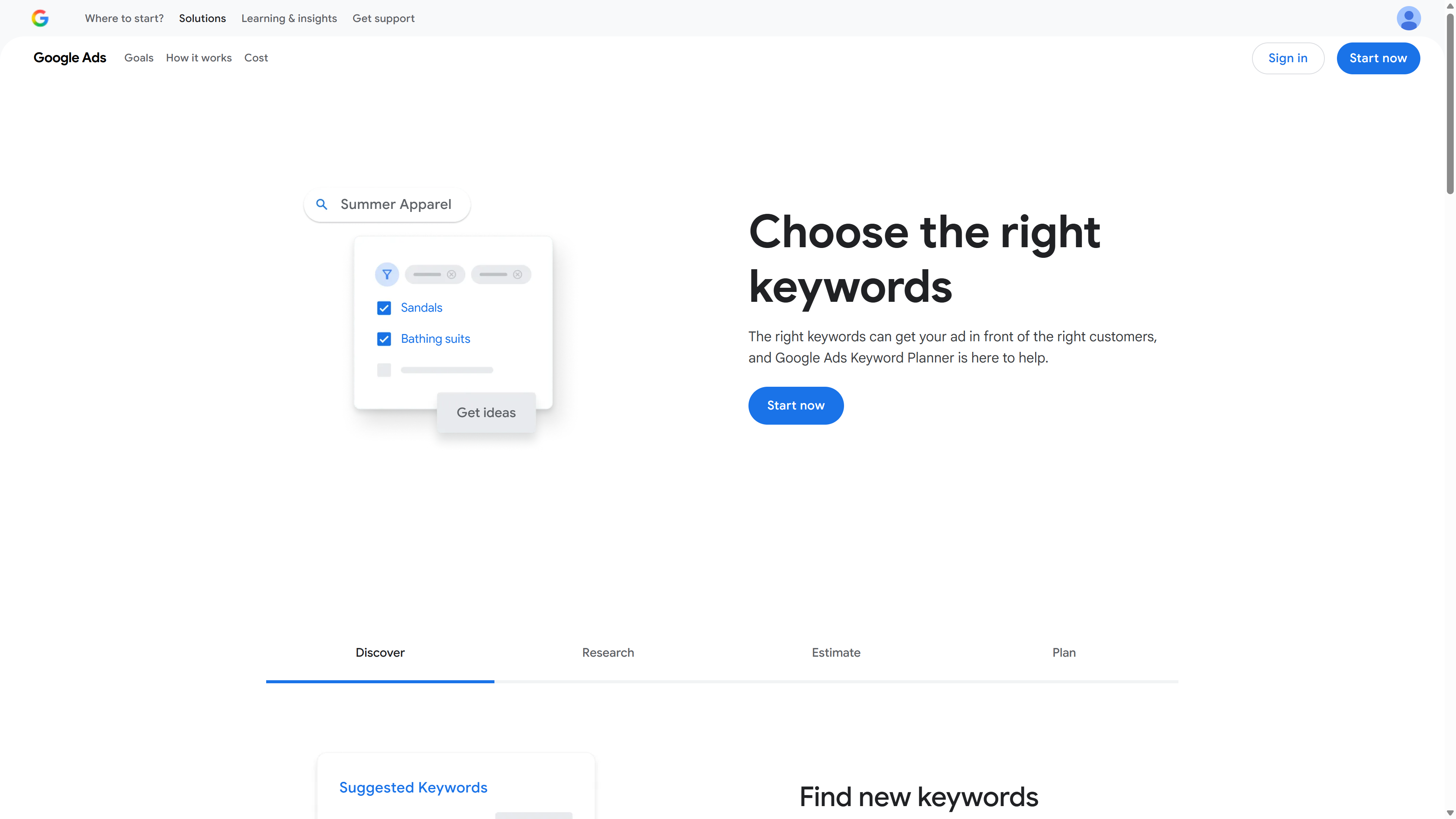 Image credit: Google
Free plan limitations:
- Shows volume ranges (e.g., 1K–10K) instead of exact numbers
- Requires a Google Ads account (but you don't need to run ads)
- Limited to Google Search data — no YouTube or social media insights
Best for: Validating keyword ideas before writing blog posts. Use it to check whether a topic has real search demand.
5. Perplexity AI
Perplexity AI is an AI-powered research engine that provides sourced answers to complex questions. Unlike ChatGPT, every response includes citations, making it useful for fact-checking and content research.
What the free plan includes:
- Unlimited Quick Search queries
- Limited Pro Search queries (deeper, multi-step research)
- Source citations with every answer
- File upload and analysis
 Image credit: Perplexity AI
Free plan limitations:
- Pro Search is limited to a handful of queries per day
- No access to premium AI models (GPT-4, Claude) on free tier
- Limited file upload capacity
Best for: Research for blog posts, competitor analysis, finding statistics with sources, and fact-checking claims before publishing.
6. Google Search Console
Google Search Console is a free tool that shows you exactly how your website performs in Google Search. For startups doing SEO, this is non-negotiable.
What the free plan includes:
- Full access — there is no paid tier
- Search query data (impressions, clicks, CTR, position)
- Index coverage reports
- Core Web Vitals monitoring
- Manual action and security alerts
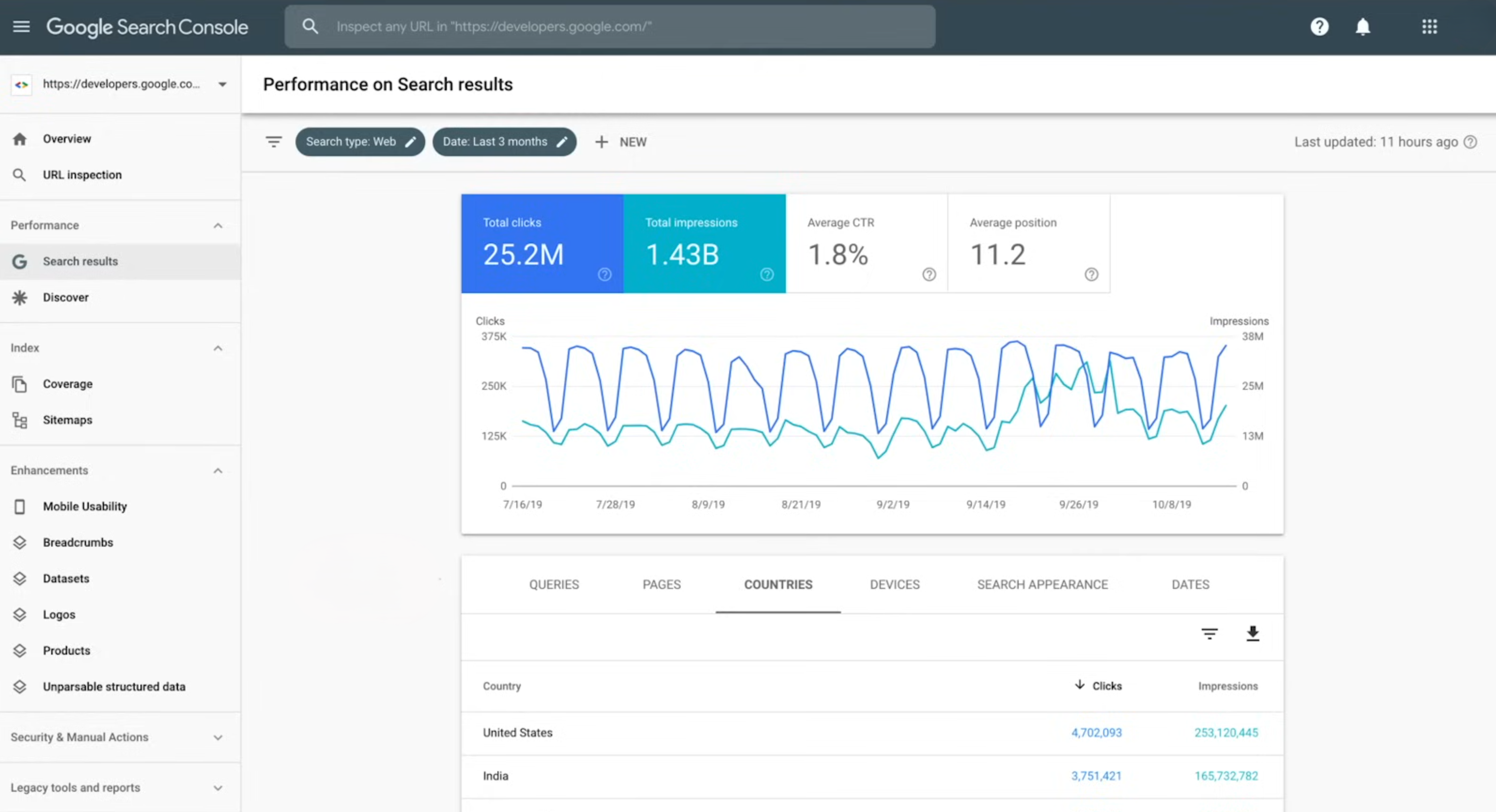 Image credit: Google
Why it matters: Search Console shows you which keywords are already driving impressions to your site — even if you're not ranking on page one yet. These are your lowest-hanging SEO opportunities.
Best for: Tracking SEO performance, finding keyword opportunities, identifying technical issues, and monitoring indexing status.
Social Media Management
7. Buffer
Buffer is a social media scheduling tool with a free plan that covers the basics for solo founders and small teams. Its AI Assistant helps generate post ideas and rewrite captions in different tones.
What the free plan includes:
- Connect up to 3 social channels
- Schedule up to 10 posts per channel (30 total)
- AI Assistant for caption generation
- Basic analytics (30-day history)
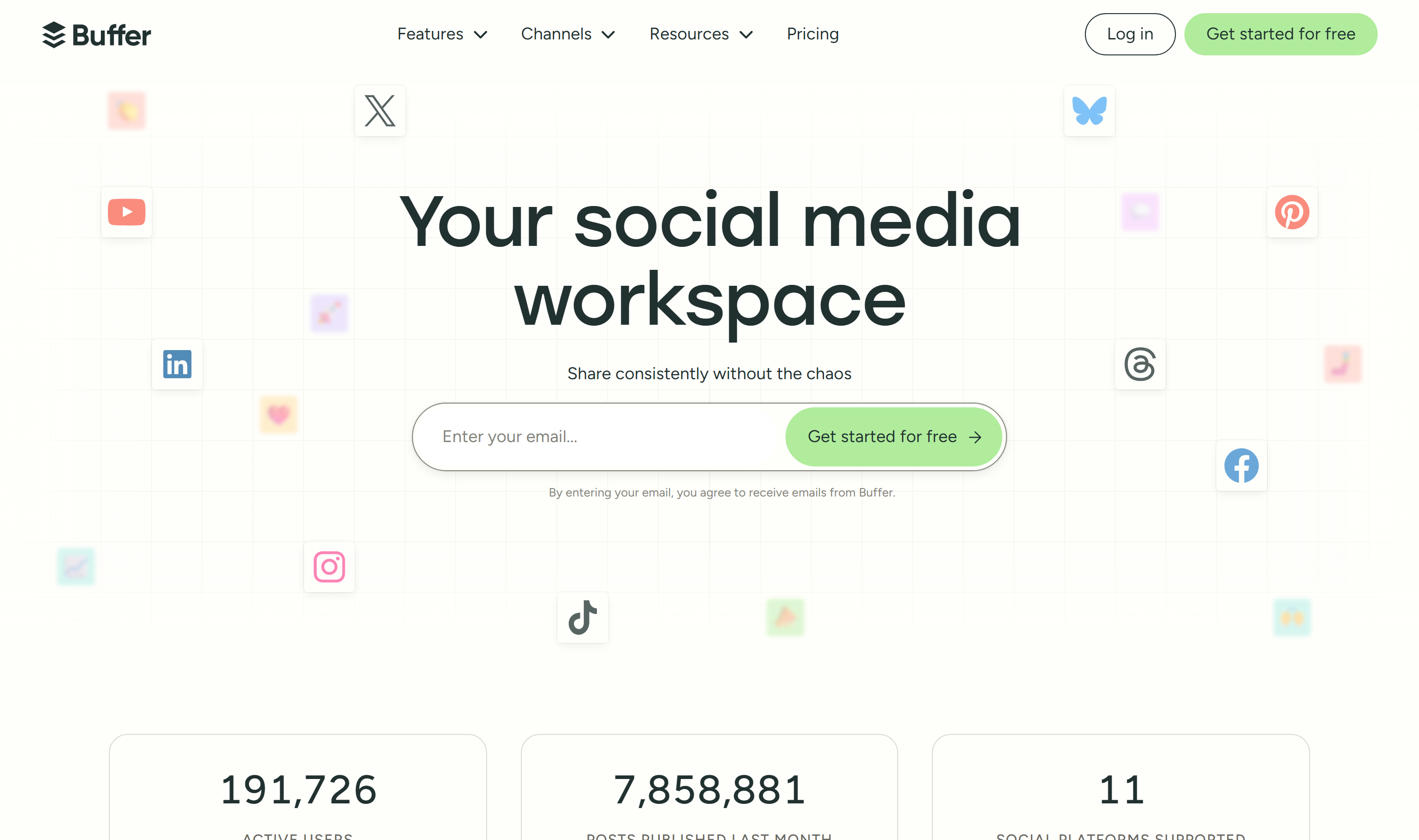 Image credit: Buffer
Free plan limitations:
- 3-channel limit means you'll have to choose which platforms matter most
- 10 posts per channel is tight for daily posting
- No engagement inbox or advanced analytics
- Lifetime limit of 8 unique channel connections on free plan
Best for: Founders who post 2–3 times per week on their top platforms and want to batch-schedule content.
Verdict: The free plan works if you're strategic about which channels you connect. It won't scale beyond the early stage, but it's a solid starting point.
8. Grammarly
Grammarly catches grammar mistakes, suggests clarity improvements, and now offers AI-powered rewriting. For marketers, consistent writing quality builds credibility — especially when you're publishing blog posts, emails, and social content.
What the free plan includes:
- Grammar and spelling corrections
- Tone detection
- Basic clarity suggestions
- Browser extension, desktop app, and mobile keyboard
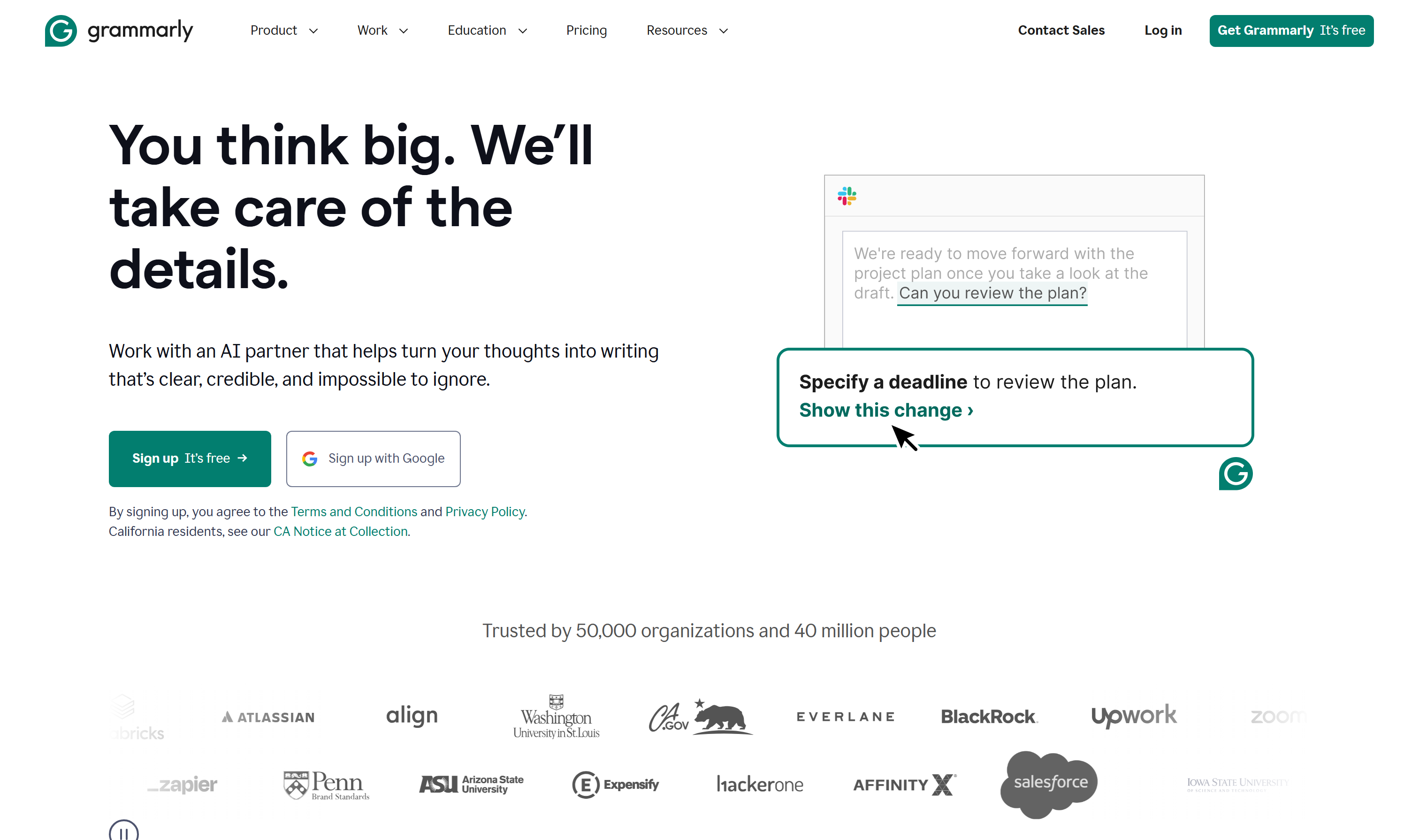 Image credit: Grammarly
Free plan limitations:
- No full-sentence rewrites or tone adjustments
- Limited AI writing suggestions
- No brand tone settings or style guide features
Best for: Catching errors in blog posts, emails, and social media copy before publishing. Think of it as your last quality check.
Workflow Automation
9. Zapier
Zapier connects your marketing tools together so they work automatically. The free plan lets you build simple automations — like sending a Slack notification when someone fills out a form, or adding new email subscribers to a spreadsheet.
What the free plan includes:
- Up to 100 tasks per month
- Unlimited two-step Zaps (automations with a trigger + one action)
- Access to 7,000+ app integrations
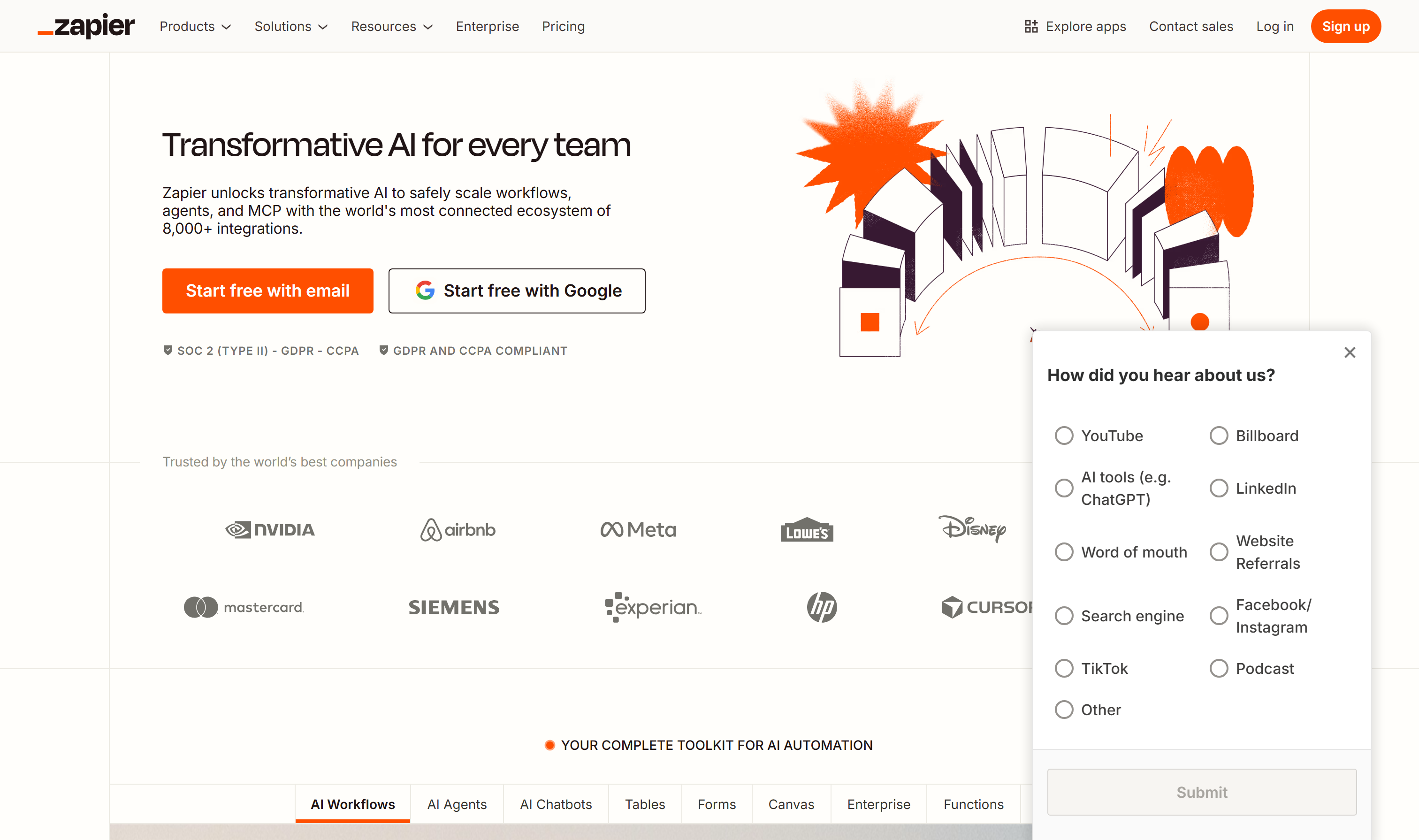 Image credit: Zapier
Free plan limitations:
- 100 tasks/month is limiting for active marketing workflows
- No multi-step Zaps (you can't chain 3+ actions together)
- No filters or conditional logic
- 15-minute update time (not real-time)
Best for: Connecting your marketing stack — like automatically adding leads from a form to your email tool, or posting blog updates to social media.
Verdict: The free plan is enough to automate a few critical workflows. Start with your most time-consuming manual task and automate that first.
Free Plan Comparison at a Glance
| Tool | Category | Free Plan Limit | Truly Free? |
|---|---|---|---|
| ChatGPT | Content | 10 msgs / 5 hours | Yes |
| Canva | Design | Generous with limits on premium | Yes |
| HubSpot Campaign Assistant | Copy | Unlimited | Yes |
| Google Keyword Planner | SEO | Volume ranges only | Yes |
| Perplexity AI | Research | Limited Pro searches | Yes |
| Google Search Console | SEO | Full access | Yes |
| Buffer | Social | 3 channels, 10 posts each | Yes |
| Grammarly | Writing QA | Basic corrections | Yes |
| Zapier | Automation | 100 tasks/month | Yes |
How to Build a Zero-Budget Marketing Stack
Here's how these tools work together as a complete marketing workflow:
Research and Planning: Use Perplexity AI to research your topic and find data points. Validate keyword demand with Google Keyword Planner. Check Google Search Console for existing keyword opportunities on your site.
Content Creation: Draft your blog post or email copy with ChatGPT. Run it through Grammarly for quality control. Create accompanying visuals in Canva.
Distribution: Schedule social media posts through Buffer. Use HubSpot Campaign Assistant to generate ad copy or email variations for the same content.
Automation: Connect your tools with Zapier — for example, automatically share new blog posts to your social channels or log form submissions to a spreadsheet.
This stack costs exactly $0 and covers content creation, SEO, social media, and basic automation. It won't replace a full marketing team, but it gives a solo founder or small team a working foundation.
Key Takeaways
- Most "free" AI marketing tools aren't truly free. Focus on tools with permanent free tiers, not trials.
- The free tier is enough to get started, but you'll outgrow most of them. Plan for which tools you'll upgrade first when revenue allows.
- Build a workflow, not a tool collection. Nine tools used without a system will waste more time than they save. Connect them into a repeatable process.
- ChatGPT's free plan is powerful but limited to 10 messages every 5 hours. Batch your most important prompts strategically.